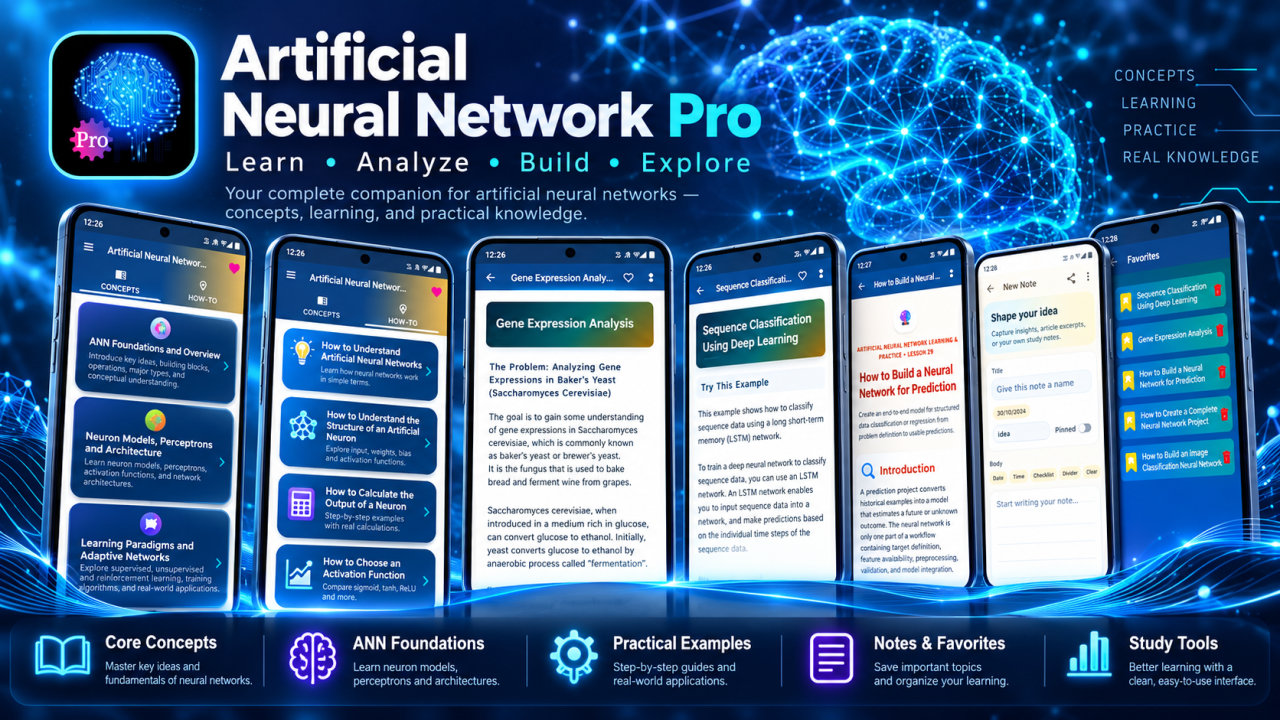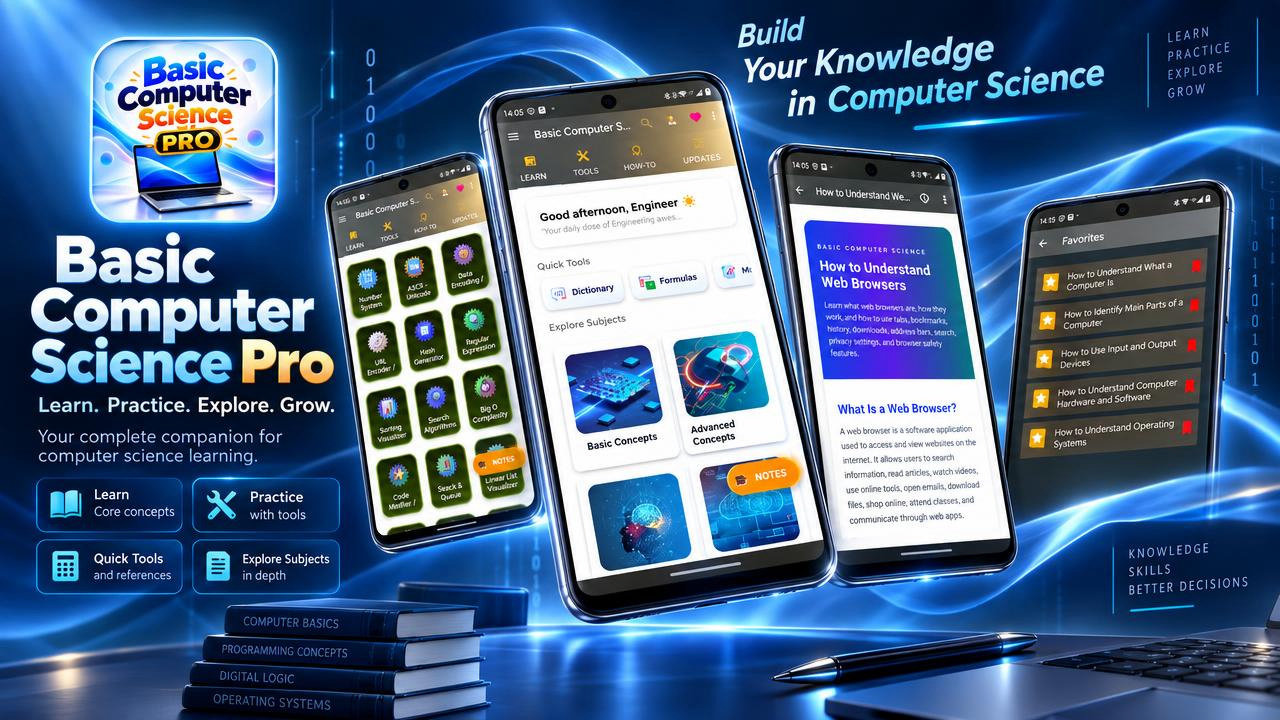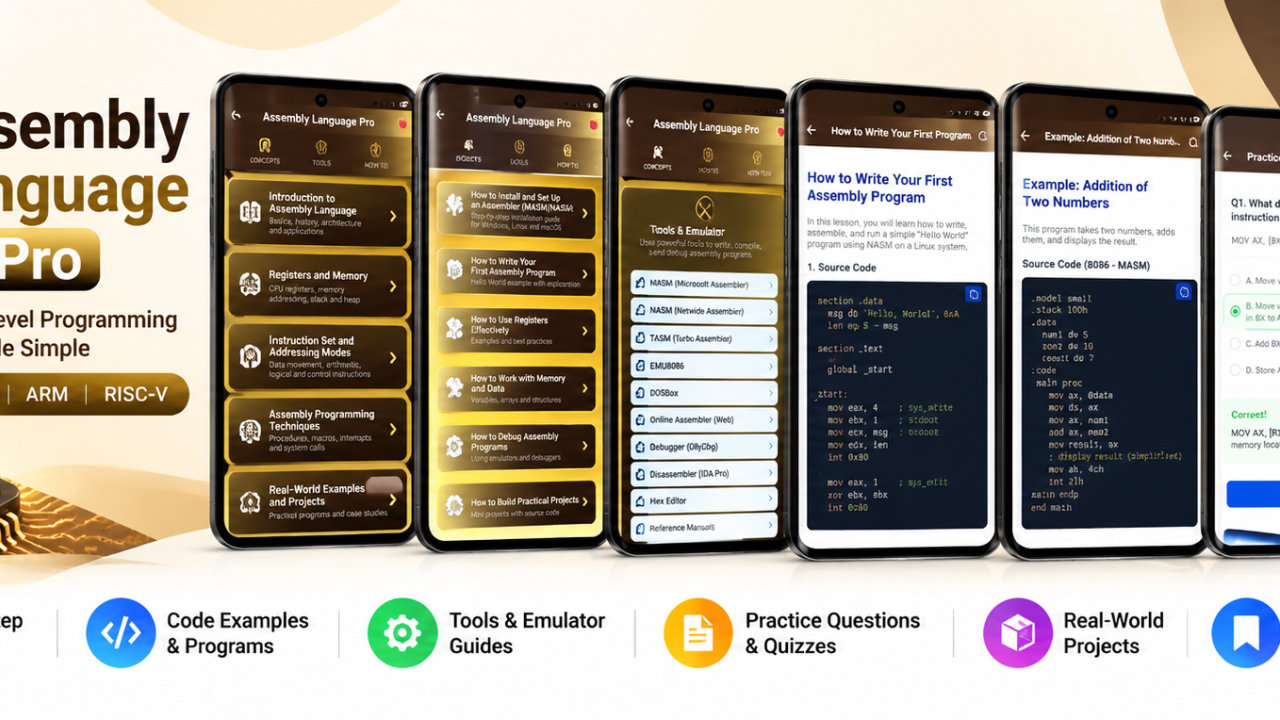
CCNA - Preparation App Pro - Android App
Study CCNA networking offline with lessons, subnetting tools, routing, VLANs and network practice.
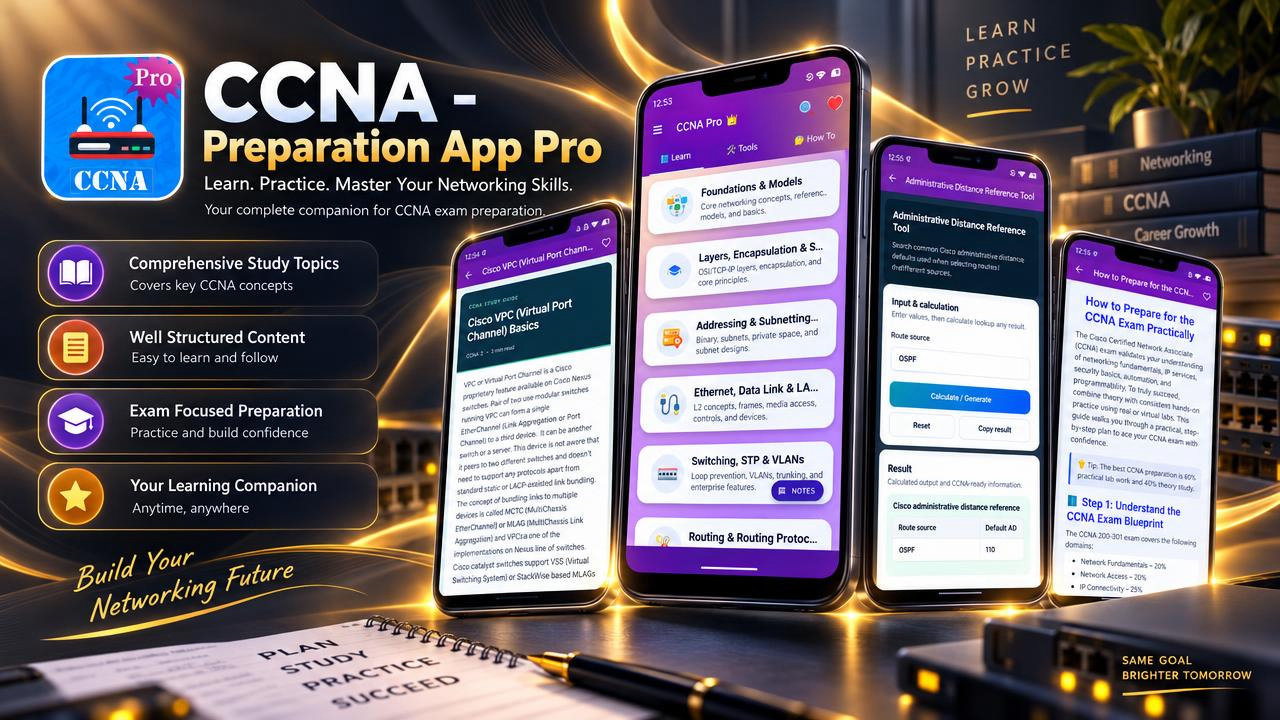
CCNA - Preparation App Pro is a networking study app for learners who want to explore CCNA networking concepts and use practical tools for addressing and configuration. It brings structured lessons, 60 How-To topics, 45 network tools, notes, bookmarks, search and PDF or print support into one place. Lessons can be accessed offline after installation, making the app useful for study at home, in class, during travel or while preparing for lab activities.
The learning material spans 17 networking subject areas. Start with foundations, network models, layers and encapsulation, then explore how Ethernet, data link concepts, frames and packets relate to communication across a network. Study OSI and TCP/IP concepts, network architectures, device roles, physical media and interfaces to build context for the topics that follow. The app also covers network topologies and the way packet delivery connects addressing, switching and routing.
Addressing and subnetting content includes IPv4 and IPv6, subnet masks, CIDR, VLSM, network addresses, broadcast addresses, host ranges and wildcard masks. The included tools support subnet calculations, IP classes, binary conversion, IP checks, IPv6 validation and MAC address validation. These resources can help learners work through addressing questions, review calculation steps, and plan ranges for practice scenarios or network projects. Port and protocol tools offer another way to revisit common networking references.
Explore Ethernet and LAN fundamentals, switching, VLANs and Spanning Tree Protocol. Lessons also address segmentation, trunks, EtherChannel and inter-VLAN routing, connecting individual switching concepts with broader network design. Routing topics include routing decisions, routing protocols, static and default routes, OSPF and packet delivery. Tools include route generators and support for configuration planning, giving learners a focused place to review these subjects while preparing for labs or revising technical terminology.
The subject coverage extends to wireless LANs and 802.11 basics, WAN concepts, NAT and VPN, network services and applications, security and access control, and troubleshooting. Configuration support includes ACL wildcard tools and builders, NAT/PAT generators, VLAN tools and DHCP pool generators. The 60 How-To lessons provide additional guidance on addressing, subnet design, routing decisions, switch concepts, wireless basics, services and troubleshooting. Use these explanations as a learning reference; they complement, rather than replace, hands-on practice and other study materials.
Study features support different routines. Search for a particular subject when you need to revisit a concept, and bookmark topics to return to later. Create notes for subnetting, routing, ACLs, VLANs or troubleshooting, then save articles as PDFs or print them for revision, interviews or lab preparation. Offline lesson access can be useful when a connection is unavailable. Together, these features let learners move between reading a concept, checking a related tool and keeping a personal record of study points.
The app is intended for CCNA certification learners, networking students, IT beginners, support technicians and others building or refreshing networking knowledge. Students can review material before classes, labs or viva sessions. Beginners can use the lessons to understand how frames and packets travel through switches, routers, subnets, VLANs, NAT, VPNs and wireless networks. Technicians and support staff can revisit addressing, protocol checks, ACL ideas and routing concepts as an educational reference. Lab and project users can plan IP ranges, VLANs, routes, DHCP pools and design notes before applying ideas in simulators or other practice environments.
Whether you are learning subnetting, revising routing and switching, exploring IPv6, or organizing notes for an upcoming study session, CCNA - Preparation App Pro offers lessons and network tools to support that work. Explore the topics at your own pace and use the available references to guide further study and practice. This is an independent educational app, not an official Cisco product; its content is for learning and reference and does not replace hands-on validation or other appropriate technical guidance.
How to install this Android app
- 1After payment, open My Library in your account on your Android phone and download the APK file.
- 2Open the downloaded file. If Android asks, allow "Install unknown apps" for your browser or file manager (Settings → Apps → Special app access).
- 3Tap Install, then open the app. It is yours to keep: one-time purchase, no subscription.
Android phones and tablets only (not iPhone or iPad).
Earn $1.90 per sale
Share this product and earn 50% commission on the price excluding GST for every eligible purchase within your attribution window.
Join affiliate program