Computer Graphics Pro - Android App
Study computer graphics offline with 2D, 3D, color, rendering lessons and 45 practical tools
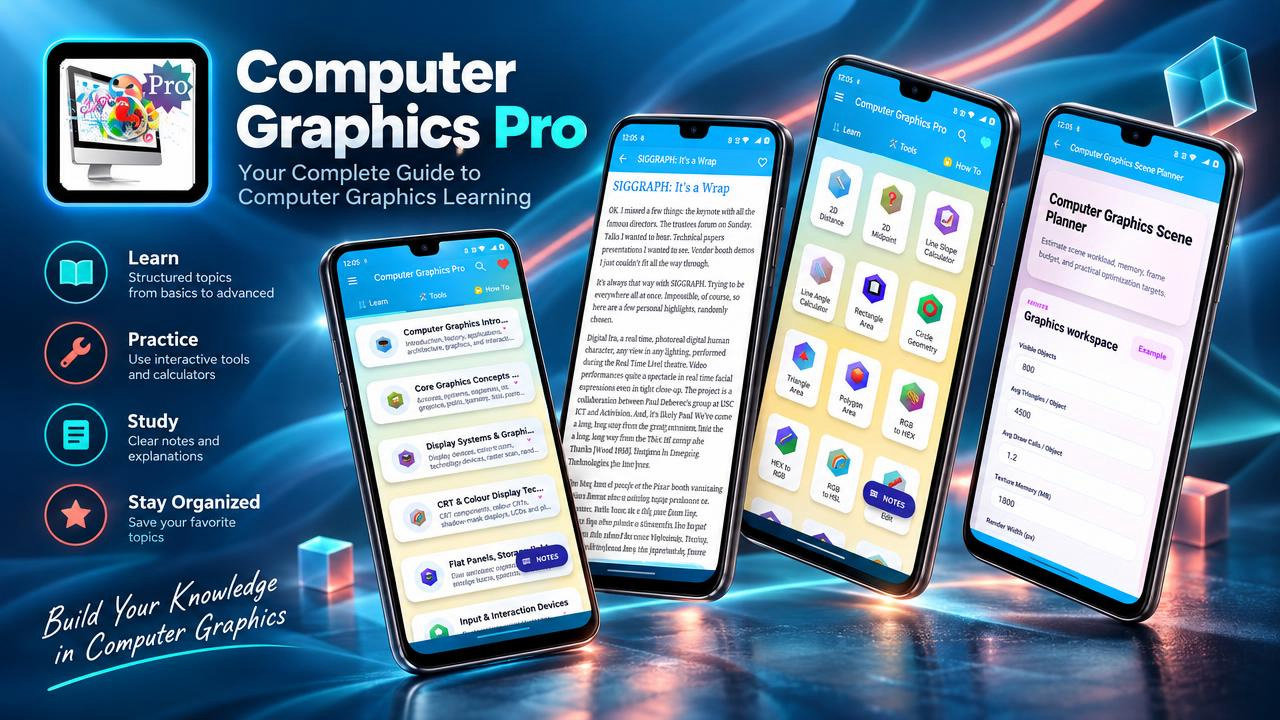
Computer Graphics Pro is a learning and reference app for computer graphics, bringing structured lessons and practical tools together for students, developers and design learners. Explore foundational ideas alongside 2D and 3D graphics topics, then use calculators to investigate geometry, transformations, color, projection, lighting and rendering. Lessons are available offline, making it possible to study or revisit material when an internet connection is not available.
The learning path spans 27 computer graphics subjects. Begin with an introduction to graphics and its applications, then explore display systems and input devices. Study raster concepts and scan conversion, including line and circle algorithms, before moving into 2D transformations, viewing and clipping. These topics help connect the mathematical operations used in graphics with the ways objects and images are represented and displayed.
Continue into 3D objects, splines and projection methods. Review color models, illumination and shading, and explore animation, GPU concepts, augmented reality, virtual reality and graphics workflows. The structured subject coverage gives learners a place to review key ideas and terminology across visual computing, from basic geometry to rendering-related concepts. It can be useful when preparing for a class, refreshing a topic before an exam or viva, or looking up a concept while learning about a graphics project.
The app includes 45 computer graphics tools for working through common calculations and visual properties. 2D tools cover distance, midpoint, line slope and angle, rectangle and circle geometry, triangle and polygon area, and 2D translation, scaling, rotation and transformation matrices. Color and image tools include RGB, HEX and HSL conversion, brightness, contrast ratio, aspect ratio, resizing and pixel density. These provide a way to explore how geometric measurements, color values and image dimensions relate to graphics work.
For 3D and rendering study, use tools for distance, translation, scaling, rotation, transformation matrices, matrix multiplication, dot and cross products, vector normalization and surface normals. Other tools address perspective and orthographic projection, field of view, screen and world coordinates, Bezier curves, Phong lighting, reflection vectors and texture coordinates. Rendering-related calculators cover framebuffer memory and performance, while scene-planning tools support consideration of graphics scenarios. These tools complement the lessons; they are learning and reference aids rather than a substitute for understanding the underlying concepts.
Make study sessions easier to organize with in-app notes for algorithms, matrices, projections, clipping, colors, shading and rendering. Save articles as PDFs or print them for classroom use, assignments, lab records or revision. Bookmark difficult topics and search across graphics subjects and tools, including raster, vector, matrix, projection, clipping, Bezier, animation and rendering. Offline lesson access supports flexible review at home, in class or while travelling.
Computer Graphics Pro is intended for computer science students and others learning graphics, as well as developers and beginners exploring game graphics. Design, animation and multimedia learners can use the lessons to review color models, image sizing, pixel density, display quality and animation concepts. Educators and learners working through graphics topics may also use the app as a supporting reference. Its lessons and tools can help with coursework, personal study, graphics projects, exam and viva revision, or interview preparation involving computer graphics concepts.
Use the app to move between explanations and related calculations: review a transformation topic, explore a matrix or coordinate tool, then return to projection, clipping or rendering material as needed. Search and bookmarks make it easier to return to specific subjects, while notes and PDF or print support let you keep useful material organized for later study. Explore computer graphics, 2D and 3D concepts, color and rendering at your own pace with Computer Graphics Pro.
How to install this Android app
- 1After payment, open My Library in your account on your Android phone and download the APK file.
- 2Open the downloaded file. If Android asks, allow "Install unknown apps" for your browser or file manager (Settings → Apps → Special app access).
- 3Tap Install, then open the app. It is yours to keep: one-time purchase, no subscription.
Android phones and tablets only (not iPhone or iPad).
Earn $1.90 per sale
Share this product and earn 50% commission on the price excluding GST for every eligible purchase within your attribution window.
Join affiliate program