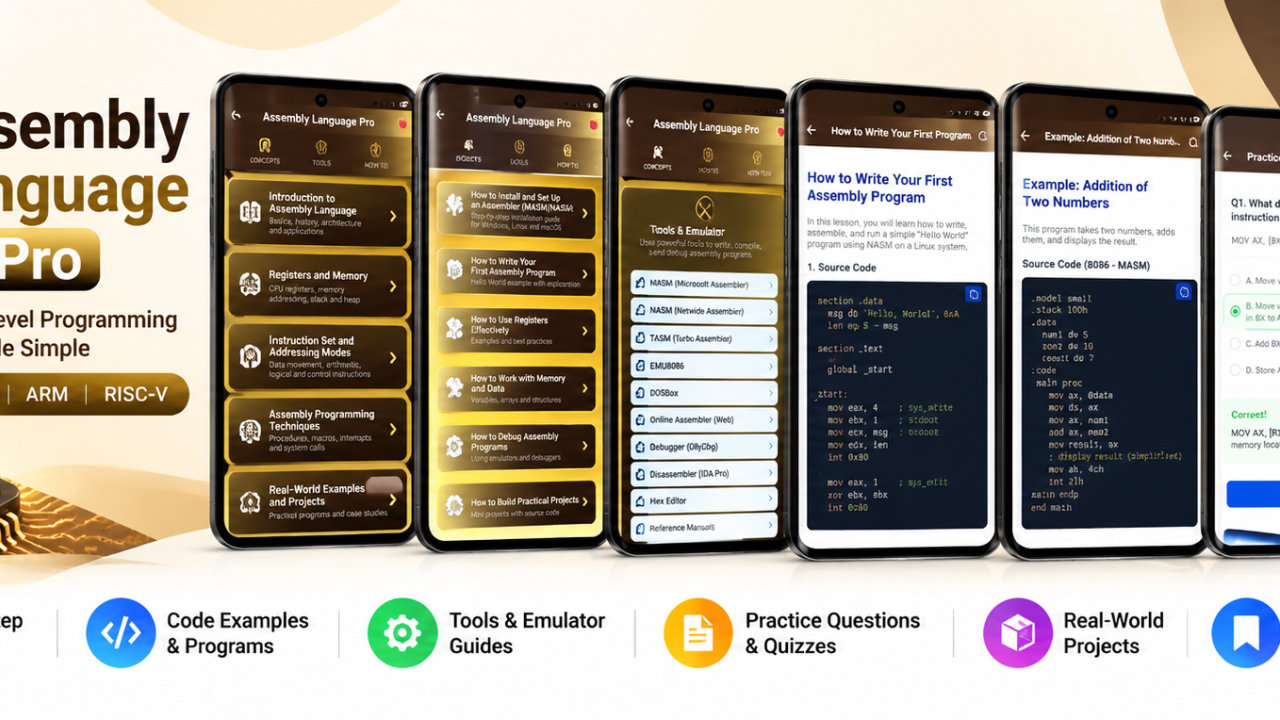
cPanel Tutorial Pro - Android App
Learn cPanel, web hosting, DNS, email, WordPress and 45 hosting tools offline

cPanel Tutorial Pro is a mobile learning and reference app for cPanel and web hosting. It brings together tutorials on the control panel, domains, DNS, email, website files, databases, WordPress, PHP settings and common hosting tasks. Whether you are starting to learn website administration or looking for a quick way to review a hosting topic, the organized lessons make it easier to find useful explanations in one place.
Begin with cPanel fundamentals, including dashboard access, domain registration, hosting setup, nameservers, contact information, statistics, password changes and user management. Then explore how common file and storage tasks are handled through File Manager, file permissions, images, FTP, backups, disk usage and directory privacy. These topics offer a foundation for understanding the settings and terminology you may encounter when learning to manage a website hosting account.
The domain and DNS lessons cover subdomains, aliases, addon domains, redirects, simple and advanced zone editors, and DNS tracking. Review common records such as A, CNAME, MX and TXT, along with SPF, DKIM, DMARC and nameserver records. Tutorials also address HTTPS and WWW redirects and htaccess redirect rules. This material can help learners understand how domain settings relate to website and email configuration before they make changes in a real hosting environment.
For email, explore account creation, forwarders, webmail, filters, authentication and encryption, plus SpamAssassin. Additional security topics include IP blocking, SSH/TLS, hotlink protection and password-protected directories. The app also introduces Softaculous and WordPress installation, phpMyAdmin, MySQL and PostgreSQL. WordPress-related lessons connect site setup with databases, backups, redirects, Cloudflare, PHP settings and optimization topics.
PHP and hosting-resource subjects include memory, upload and execution limits, cron jobs, disk usage and bandwidth. The app includes 45 hosting tools covering areas such as storage, monthly traffic, mailbox quotas, permissions, CHMOD, inode usage, backups, database size, MySQL tables and PHP limits. Other tool topics include DNS TTL and records, A, CNAME, MX, TXT, SPF, DKIM and DMARC, nameservers, redirects, htaccess rules, cron jobs, SSL dates, FTP URLs, email forwarding, resource usage, IP subnetting and unit conversion. These tools support learning and reference for the listed hosting concepts; they are not a live connection to your server.
Study in short sessions or use the app to look up a subject while reviewing a hosting workflow. Search for terms including cPanel, DNS, email, FTP, MySQL, WordPress, PHP, SSL, backups and hosting. Bookmark lessons for later reference, write notes while studying, and save articles as PDFs or print them. Lessons can be accessed offline after installation, so you can revisit the material without an active connection.
The app is designed for beginners who want to understand a hosting dashboard, website owners reviewing common controls, bloggers working with WordPress hosting topics, and students learning web administration. It can also serve as a reference for developers, freelancers and support trainees reviewing domain settings, email, files, databases, SSL, bandwidth, error logs and cron jobs. Learners preparing for projects, training sessions or hosting-related interviews can use the tutorials to revisit concepts and terminology.
Use cPanel Tutorial Pro to explore website hosting at your own pace, refresh your understanding of cPanel tools and find explanations for common hosting subjects in one organized learning app. It is educational reference material, not a live server control panel or hosting account manager. Review instructions carefully and confirm settings with your hosting provider before making changes to a real website.
How to install this Android app
- 1After payment, open My Library in your account on your Android phone and download the APK file.
- 2Open the downloaded file. If Android asks, allow "Install unknown apps" for your browser or file manager (Settings → Apps → Special app access).
- 3Tap Install, then open the app. It is yours to keep: one-time purchase, no subscription.
Android phones and tablets only (not iPhone or iPad).
Earn $1.90 per sale
Share this product and earn 50% commission on the price excluding GST for every eligible purchase within your attribution window.
Join affiliate program