Embedded System Pro - Android App
Study embedded systems, RTOS, 8051 and MCU tools offline with lessons, notes and calculators
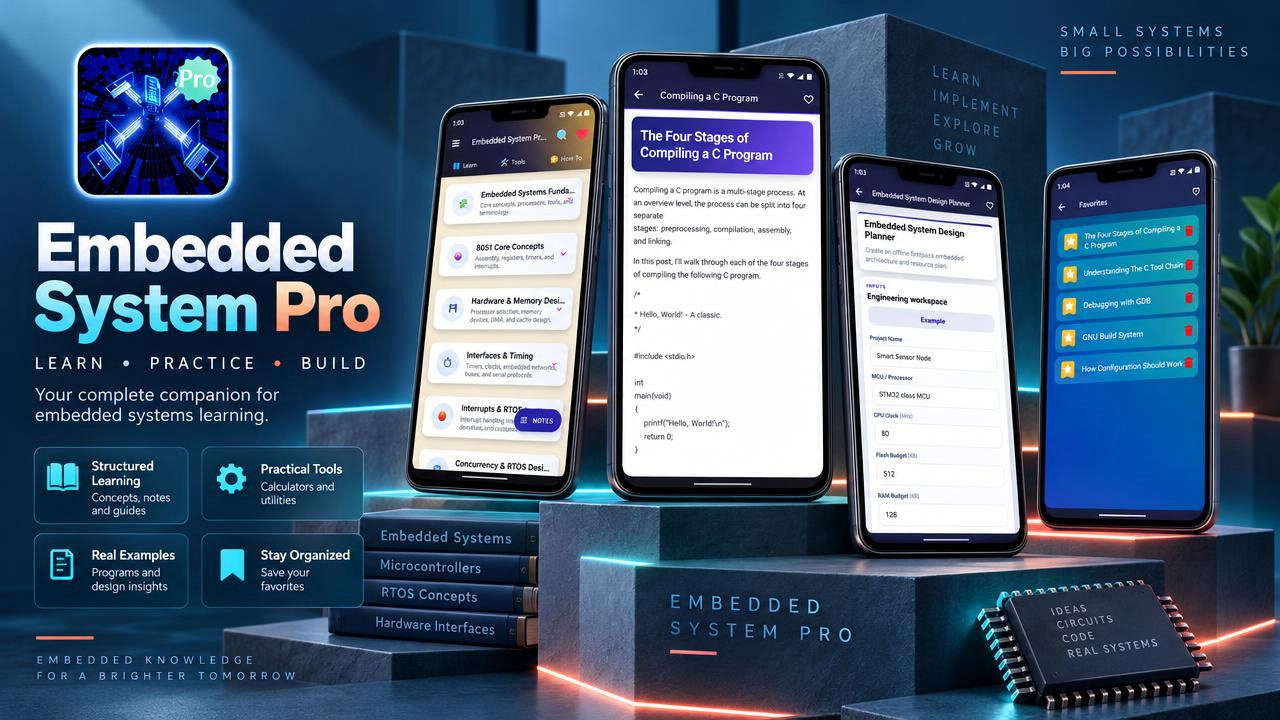
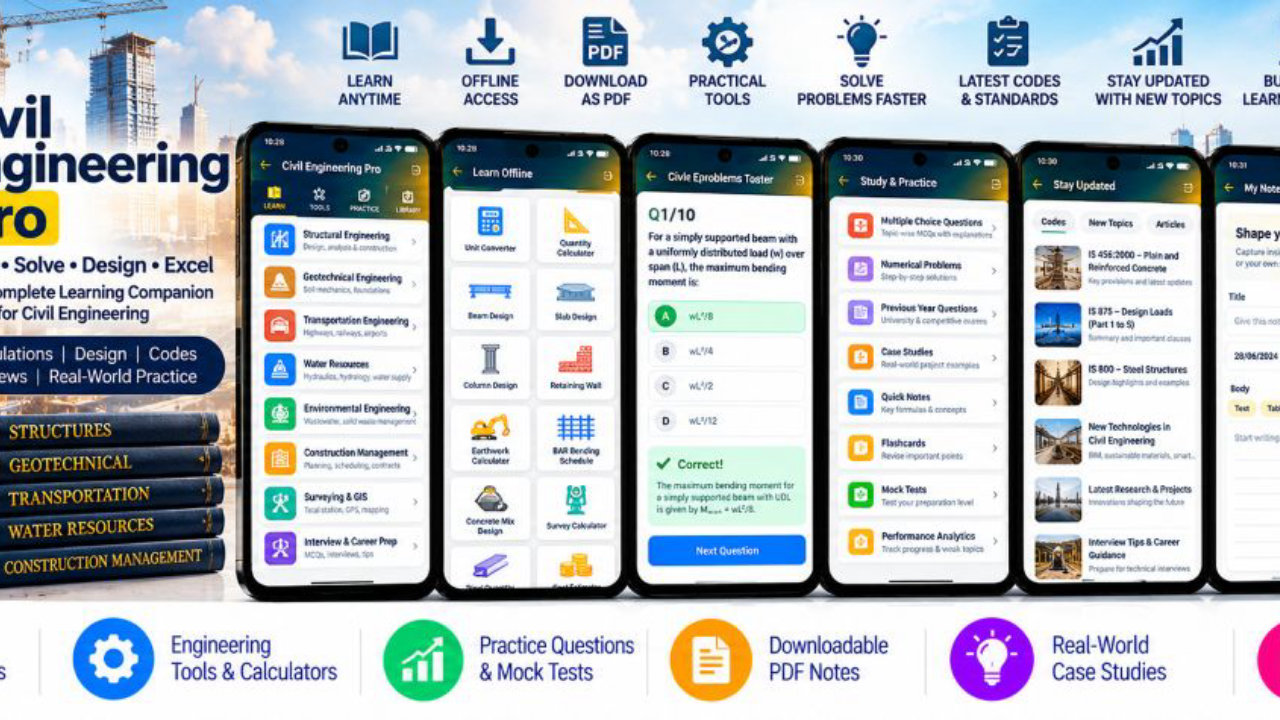
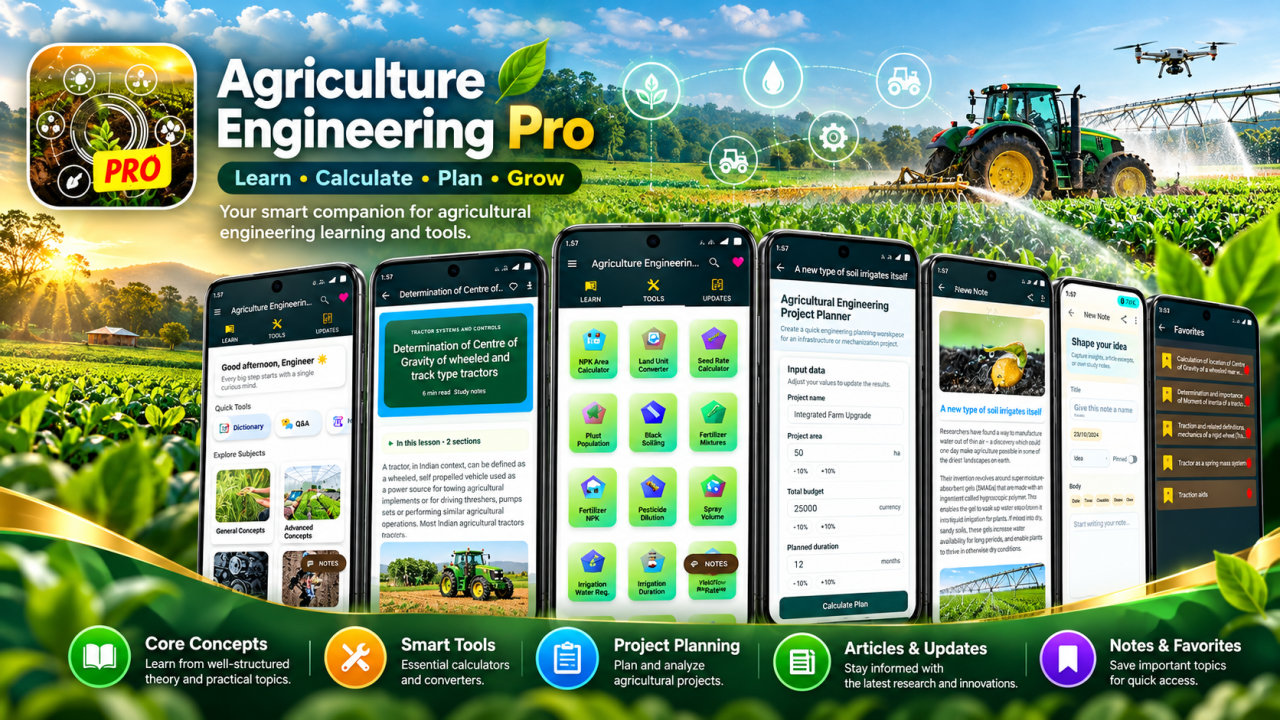
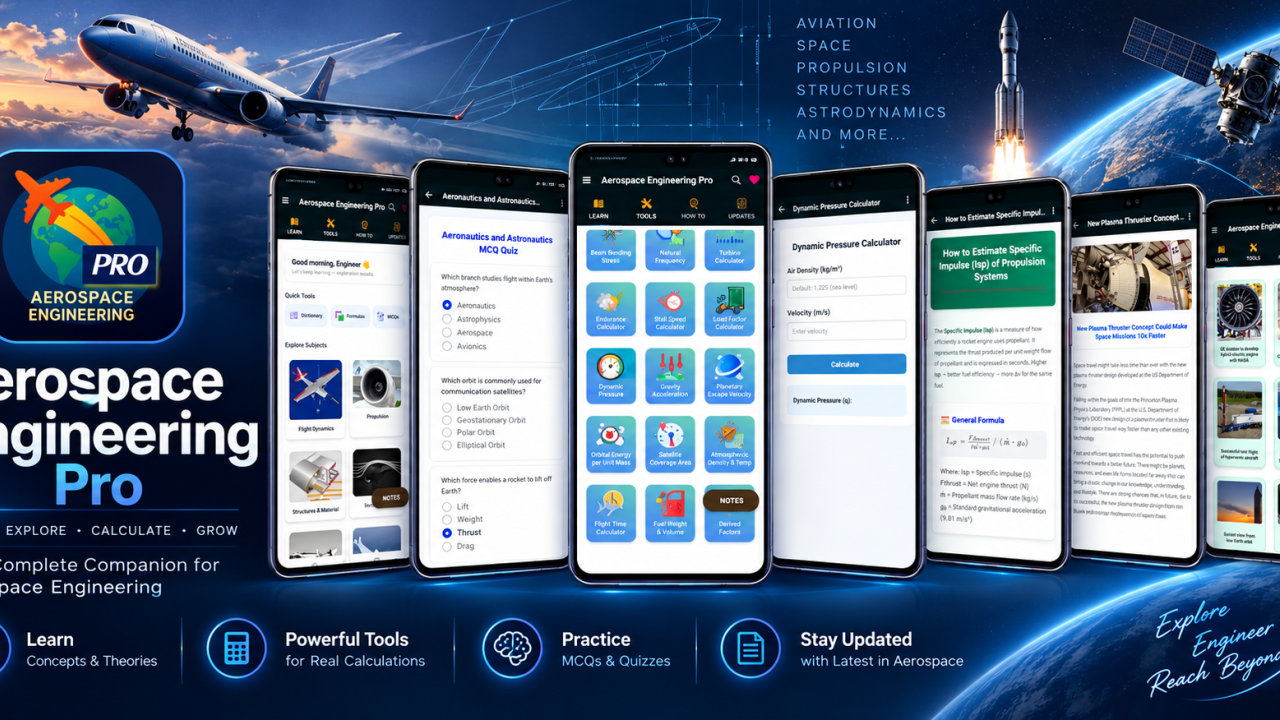
Embedded System Pro is an educational app for studying embedded systems, microcontrollers, 8051 fundamentals and real-time operating systems. It brings structured lessons, 30 how-to topics, personal notes and 45 embedded and MCU tools together to help electronics learners review concepts and explore calculations related to embedded design. Lessons can be accessed offline after installation for study at home, in class or during lab and project preparation.
Follow a learning path from embedded systems fundamentals and 8051 core concepts to hardware and memory design, interfaces and timing, interrupts, RTOS basics, concurrency and RTOS design. Topics include processors, registers, assembly concepts, processor selection, memory devices, DMA, cache design, clocks, buses, embedded networks and protocols. Studying hardware and software concepts together can help you understand how embedded systems are organized and how their components work together.
Review timers, interrupts, drivers and communication interfaces, then explore tasks, processes, threads, scheduling, synchronization and communication in real-time software. RTOS and concurrency topics offer a way to revisit how embedded software organizes work and responds to events. Return to subjects such as interrupt handling, task utilization, watchdogs and real-time scheduling while preparing for coursework, lab exercises, viva sessions or technical interviews.
The app includes 45 tools for calculations and planning across electronics and embedded systems. Explore Ohm’s Law, electrical power, series and parallel resistors, voltage dividers, LED resistor selection, RC timing, and pull-up and pull-down resistors. Microcontroller and signal tools cover ADC resolution and voltage, DAC output, PWM duty cycle and frequency, timer overflow, microcontroller clocks, baud rate, UART frame time, number conversion and bitwise operations. These tools support practice with calculations used in circuits and MCU peripherals.
Other tools cover timer prescalers, interrupt timing, CPU execution time, memory size, flash and RAM usage, stack memory and EEPROM lifetime. Interface and data calculations include I2C, SPI, CAN, USB, CRC and checksums. Explore tools for battery runtime, power, thermal considerations, sensors, filters, RTOS utilization, watchdogs and design planning. Use them to investigate a concept or organize an early project estimate; treat results as learning aids and check them against the requirements of a specific circuit or system.
Alongside lessons and tools, 30 how-to topics provide additional material to explore. Create notes on subjects such as 8051, timers, memory, protocols, RTOS and projects, and return to them during revision. Bookmark useful content and search for embedded systems, microcontrollers, UART, SPI, I2C, CAN, PWM, ADC, DAC, memory, interrupts, watchdogs and power. These features help you find material to revisit while keeping the focus on understanding the underlying concepts.
Articles can be saved as PDFs or printed for class, assignments, lab preparation and personal revision. Offline lesson access supports study when an internet connection is unavailable after installation. You can review a topic on screen, keep notes on a concept, or use printed material alongside coursework and project planning.
Embedded System Pro is intended for students learning embedded systems and electronics, including those exploring microcontrollers, 8051 concepts, hardware design, interfaces and RTOS fundamentals. Electronics learners can connect circuit calculations with practical topics such as LED selection, voltage dividers, ADC inputs, PWM outputs and serial communication. Project builders can use the lessons and tools to think through timing, memory, power, battery runtime, bus speed, watchdog settings, CRC checks and task utilization before testing hardware.
The app can also support review of embedded vocabulary and concepts for exams, lab work, viva sessions and technical interviews. Educators and trainers may use its lessons and tools as supplementary study material. Whether you are looking up an interface, revisiting a calculation or progressing from hardware basics toward real-time software, explore embedded systems, 8051, RTOS and MCU topics at your own pace. Content is for educational use and should be considered alongside course materials, component documentation and the requirements of each project.
How to install this Android app
- 1After payment, open My Library in your account on your Android phone and download the APK file.
- 2Open the downloaded file. If Android asks, allow "Install unknown apps" for your browser or file manager (Settings → Apps → Special app access).
- 3Tap Install, then open the app. It is yours to keep: one-time purchase, no subscription.
Android phones and tablets only (not iPhone or iPad).
Earn $1.90 per sale
Share this product and earn 50% commission on the price excluding GST for every eligible purchase within your attribution window.
Join affiliate program