Network Engineering Pro - Android App
Learn networking with 45 tools, 60 offline lessons, notes, PDF saving and ad-free study
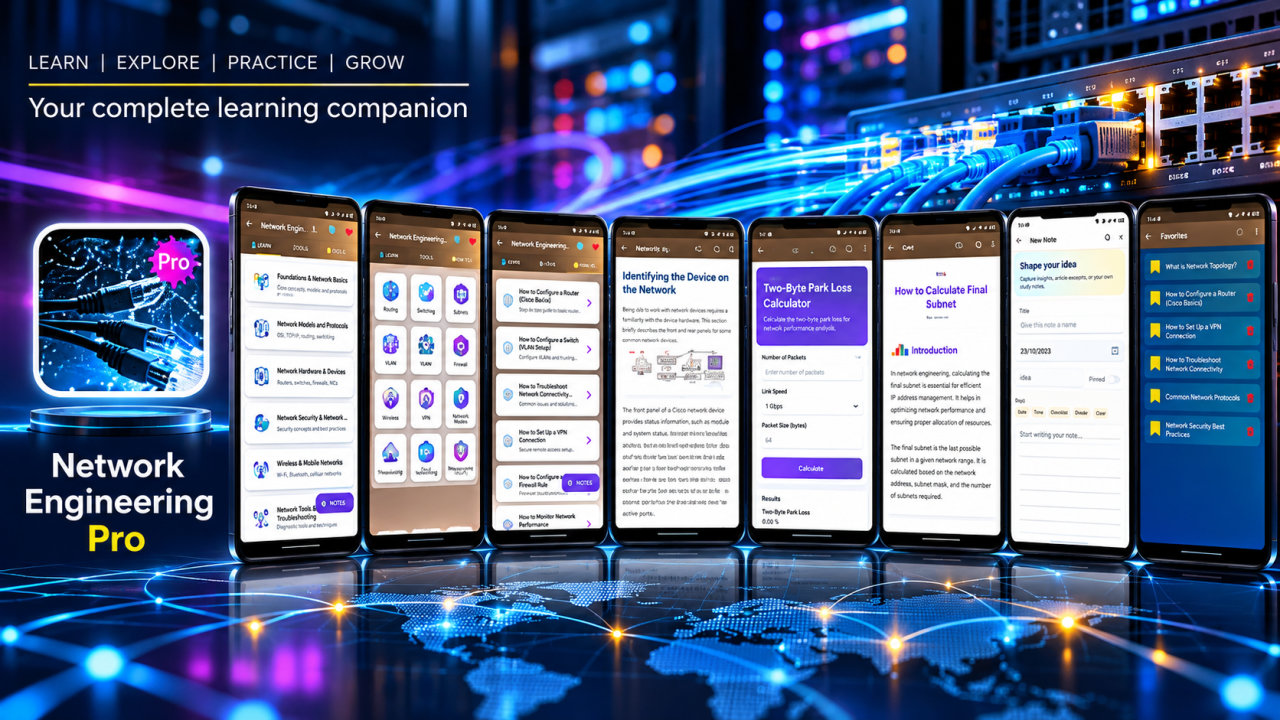
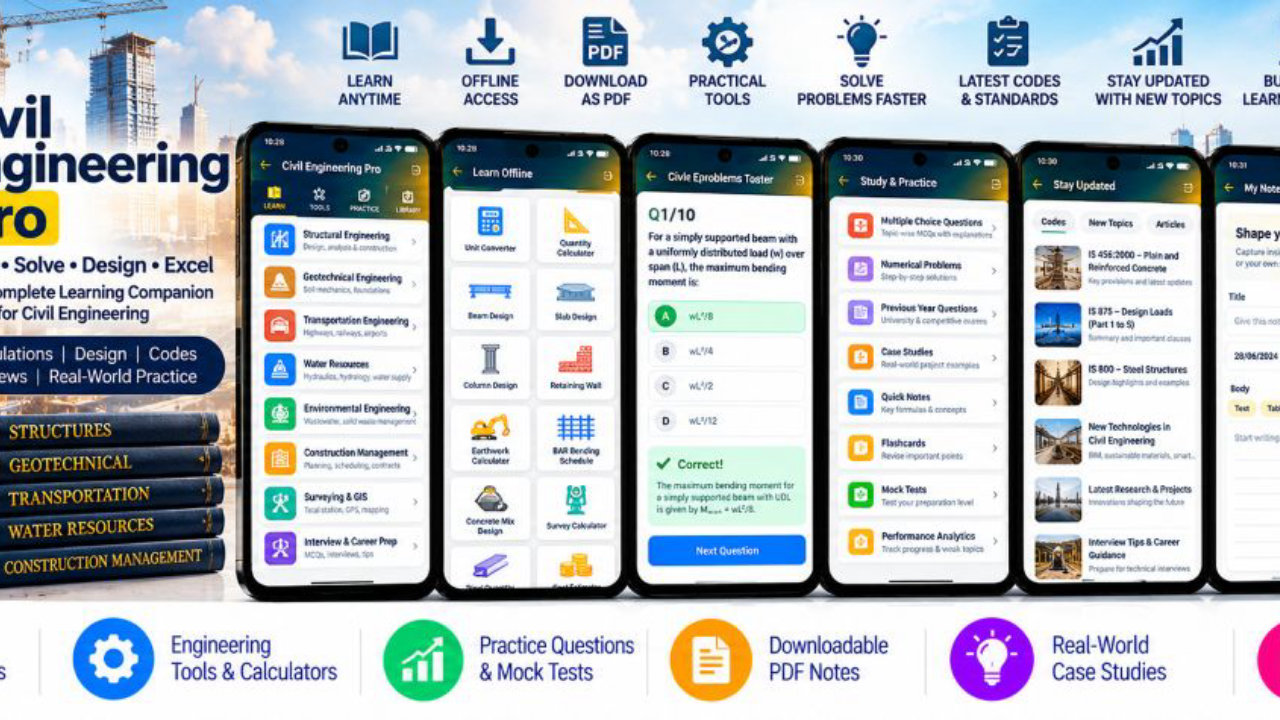
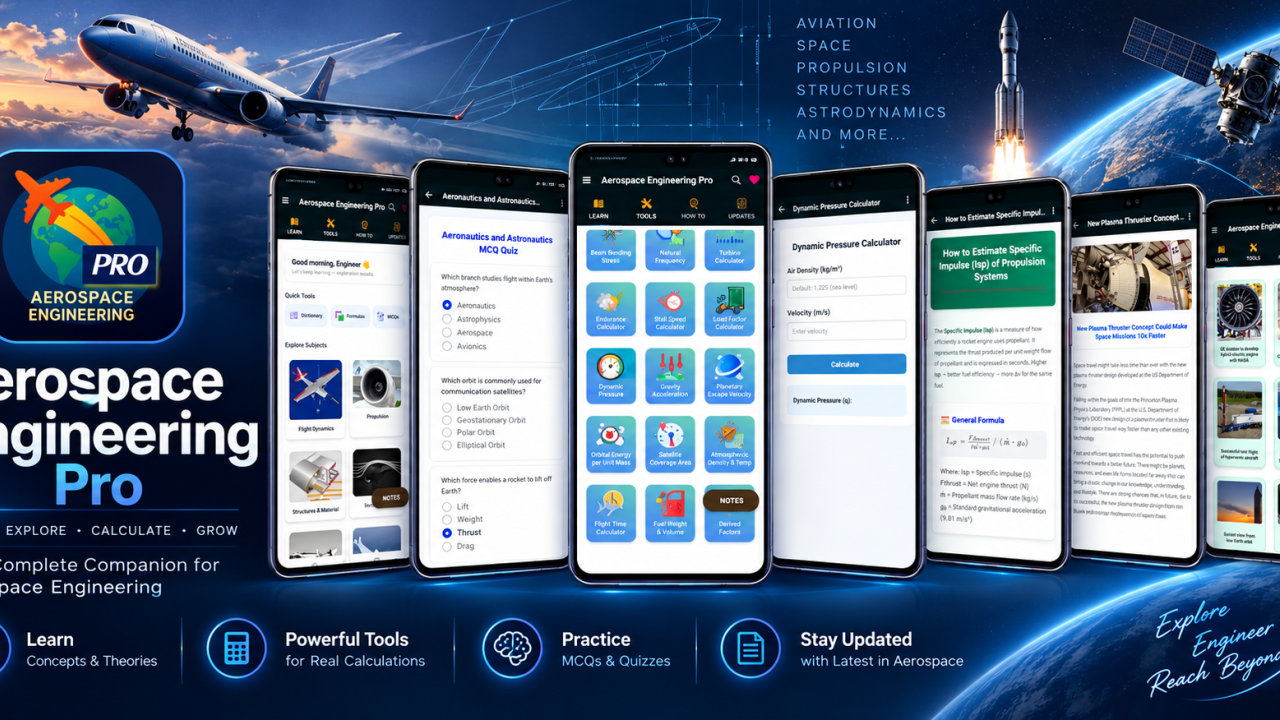
Network Engineering Pro is a computer networking learning app that brings technical lessons, reference content and practical calculators together. Study subnetting, IPv4 and IPv6, CIDR, Ethernet, WiFi, routing, TCP, VPNs, network security and performance through 13 subject areas, 60 how-to lessons and 45 tools. Lessons and reference content are available offline after installation, making it easy to revisit networking topics without an active connection.
Build a foundation in network engineering with topics including network fundamentals, Ethernet and switched LANs, wireless and mobile networks, 5G, network topologies, transmission media and optical networking. Explore routing, IP, VPNs, streaming, voice, security, cryptography and sockets, as well as careers and research methods. Move between core networking concepts and related technologies to focus on a single subject or review several areas in one study session.
The 60 how-to lessons offer guided reading on subnet planning, IP calculations, routing, wireless basics and troubleshooting. Revisit concepts for classroom study or lab preparation, search lessons to find relevant material, and bookmark useful topics for later. Create notes to keep personal reminders and questions together as you learn. These study features support independent review alongside courses and official certification resources.
The 45 networking tools connect theory with practical calculations. Explore IPv4, IPv6 and CIDR addressing with subnet masks, VLSM, wildcard masks, network and broadcast addresses, usable host ranges and binary conversion. A MAC formatting tool is also included. Use these resources to review addressing, subnet planning and related technical terminology.
Other calculators cover network performance and protocols. Work with bandwidth, throughput, transfer time, latency, packet delay and propagation delay; examine packet loss, availability and MTU fragmentation. TCP tools cover window size, throughput and retransmission timeout. Additional calculations include Ethernet efficiency, VLAN ID, spanning tree path cost, OSPF cost, EIGRP metric, routing prefix matching and DNS lookup time. These tools provide an educational way to explore calculations used when studying network operations and routing concepts, not a substitute for professional analysis.
Wireless and Power over Ethernet topics have dedicated calculators for WiFi data rate, wireless link budget, free space path loss, signal-to-noise ratio and PoE power. Use them alongside lessons on wireless basics, mobile networks and 5G to connect networking theory with specific signal and power calculations.
Network Engineering Pro is intended for IT and computer science students, networking learners, telecom students, CCNA and other certification candidates, network technicians, system support learners and professionals refreshing technical knowledge. Educators and technical trainers can use the app as an additional reference, and networking enthusiasts can explore its topics independently. Certification candidates can review subnetting, Ethernet, VLANs, routing, wireless networking and security alongside official materials. The app does not provide certification exams or claim alignment with a particular exam syllabus.
For an individual study session, open a lesson, search for a related reference, bookmark useful material and add notes for later. For calculation practice, choose a relevant tool and explore address ranges, throughput, delay, routing metrics or wireless link budgets. Supported articles can be saved as PDFs or printed for revision, lab work or field reference. Offline lessons and ad-free study keep attention on the learning material.
Network Engineering Pro is an educational reference and calculator app. It does not scan or configure live networks, capture packets, provide a VPN service or replace official training resources. Explore networking lessons and tools at your own pace.
How to install this Android app
- 1After payment, open My Library in your account on your Android phone and download the APK file.
- 2Open the downloaded file. If Android asks, allow "Install unknown apps" for your browser or file manager (Settings → Apps → Special app access).
- 3Tap Install, then open the app. It is yours to keep: one-time purchase, no subscription.
Android phones and tablets only (not iPhone or iPad).
Earn $1.90 per sale
Share this product and earn 50% commission on the price excluding GST for every eligible purchase within your attribution window.
Join affiliate program