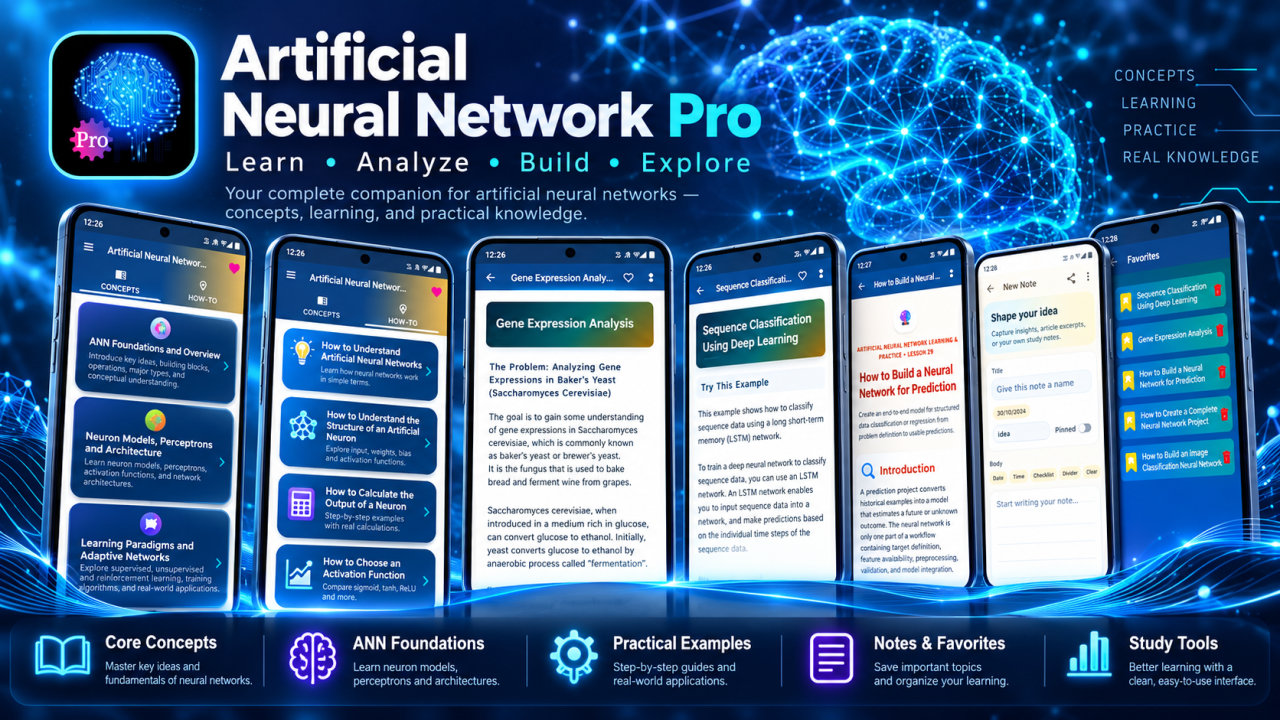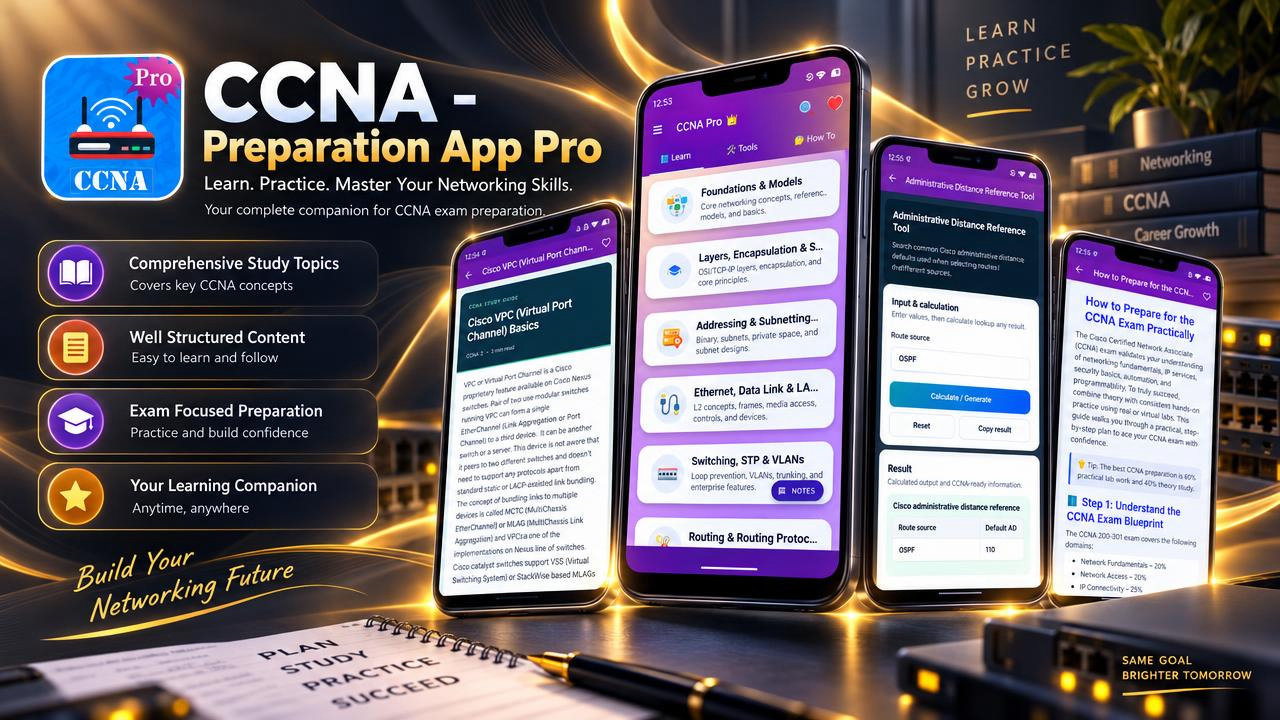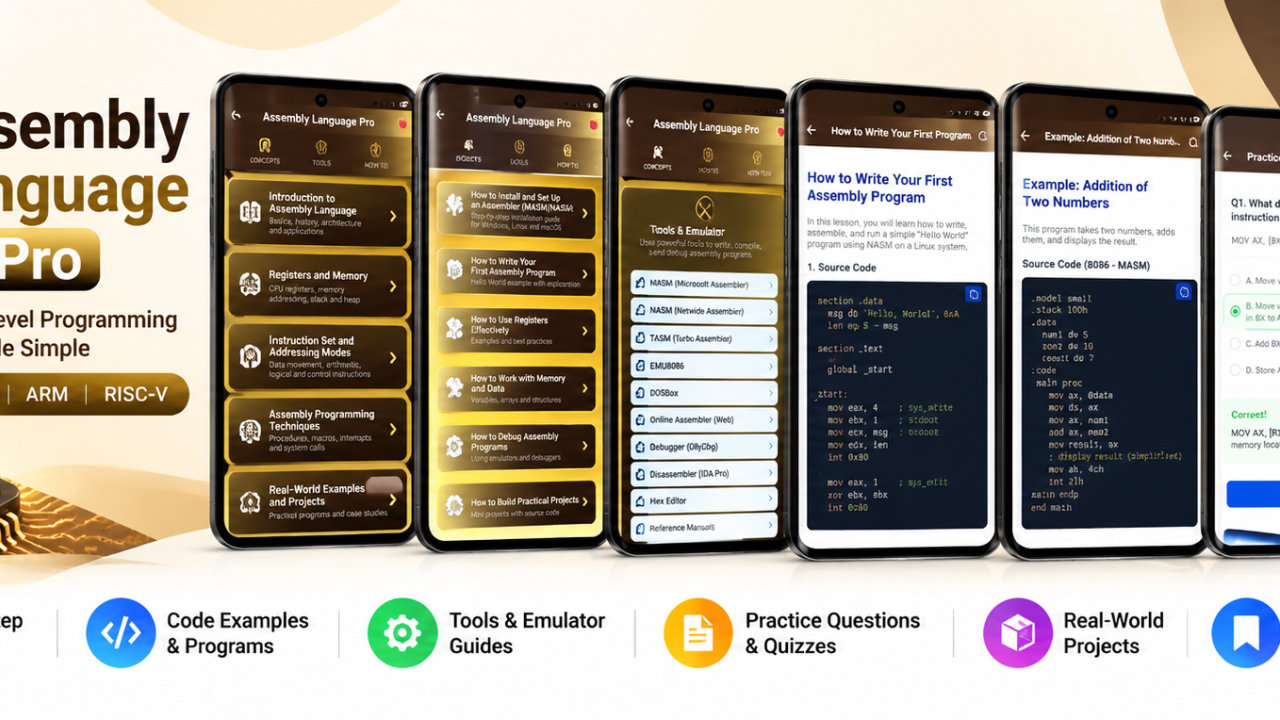
Learn VBA - Pro - Android App
Learn VBA macros, Excel automation, tools, notes, MCQs, PDF support and ad-free offline study.
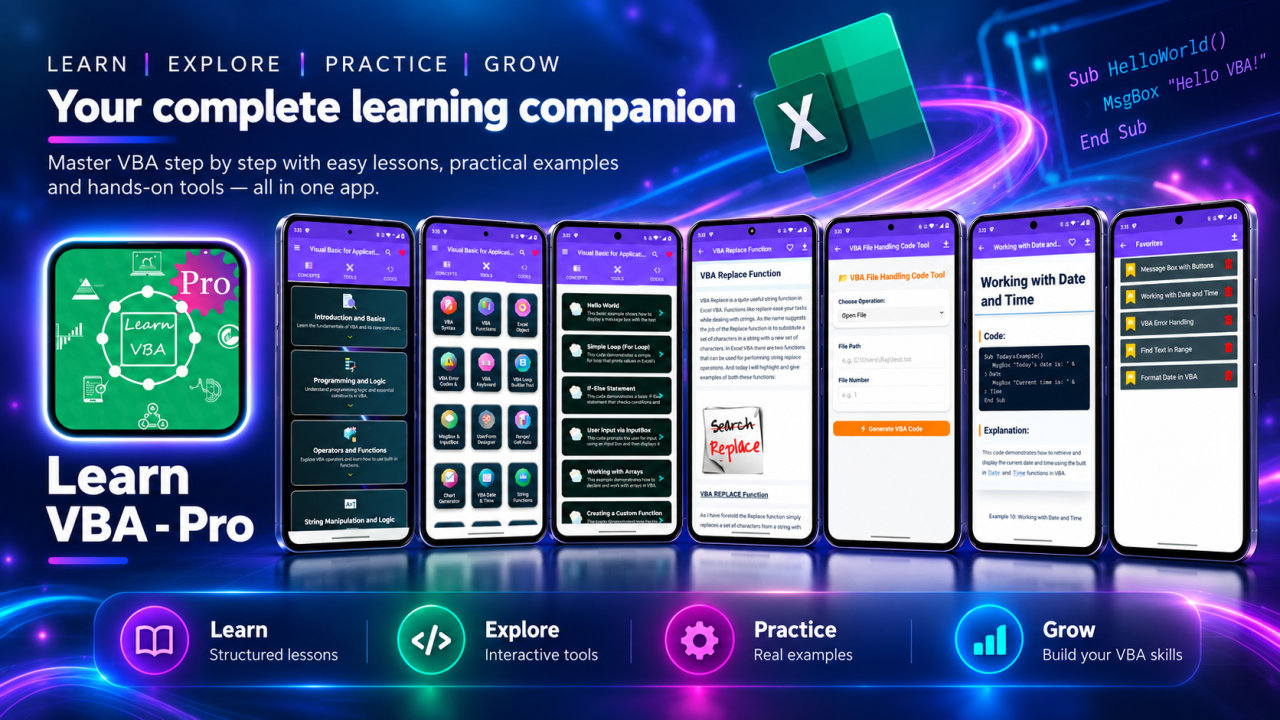
Learn VBA - Pro is an ad-free study app for VBA programming and Excel automation. It brings lessons, practical code examples, 27 learning tools, 30 MCQ practice sets, reference materials, notes, and subject-wise questions and answers together for learning and revision. Lessons, tools, examples, and references can be accessed offline, making the app useful for study at home, at school, or during a break at work.
The learning content spans 20 VBA subjects. Start with an introduction to Visual Basic for Applications and programming basics, then explore programming logic, operators, and functions. Study string manipulation, MsgBox and InputBox interaction, forms and events, arrays and data structures, file and text handling, database concepts, debugging techniques, and VBA constants. Further subjects include application development, web integration, advanced VBA topics, and the history and evolution of Visual Basic. This range lets learners move between foundational ideas and more involved Excel VBA and macro development topics as their needs change.
Practical examples help connect programming concepts with code. Review macro structures, automation patterns, and reusable techniques while studying topics such as loops, conditions, functions, arrays, UserForms, error handling, file operations, and Excel automation. Examples can support a first look at VBA syntax or provide a reference while working through a coding idea. The app is a learning aid, not a substitute for testing code in the environment where it will be used.
The 27 included tools offer focused references and helpers for common VBA learning tasks. Consult the syntax reference, functions library, Excel Object Model Explorer, error codes guide, or keyboard shortcuts helper. Experiment with the loop builder and string functions playground, generate MsgBox and InputBox examples, or use the UserForm designer helper, range automation generator, and chart generator tool. Other utilities include a date and time calculator, math function calculator, data type converter, file path helper, Immediate Window simulator, Debug.Print formatter, error handling generator, macro recorder analyzer, VBA-to-pseudocode converter, UDF generator, Excel automation examples, file handling tool, unit converter, regex tester, clipboard manager for VBA, and VBA color picker.
For practice, work through 30 MCQ sets covering VBA concepts, syntax, functions, forms, debugging, and automation. Subject-wise questions and answers can support exam preparation, interviews, assignments, or a review of a particular topic. Formulas and references provide quick access to syntax rules, operators, loops, functions, strings, dates, data types, and error-handling patterns. The dictionary explains terminology associated with VBA programming and Excel automation, including objects, methods, properties, events, UserForms, debugging, and databases.
Personal study features help keep learning materials organized. Create and save notes, code snippets, revision points, and important concepts for later review. Bookmark useful topics and search for information when you need to revisit a reference. PDF and print support lets you save articles as PDF files or print learning content for study, training, or reference. Light and dark themes offer a choice of reading appearance, while offline access supports study without an internet connection.
Learn VBA - Pro is designed for beginners and experienced learners who want a portable VBA reference. Excel VBA learners can explore macro concepts and automation examples; office professionals and spreadsheet power users can review programming ideas related to their work; and programmers, data analysts, and macro developers can look up syntax, functions, and tools. Computer science, IT, and diploma students can use the lessons and question sets alongside their other study, while educators and trainers can refer to the topic-based material when discussing VBA concepts.
The Pro version provides an ad-free experience with all tools unlocked and full MCQ access. It is intended for learning, practice, and reference, whether you are starting with VBA or revisiting a familiar topic. Explore the lessons, try the tools, save notes for review, and use the examples and questions to support your ongoing study of VBA programming and Excel automation.
How to install this Android app
- 1After payment, open My Library in your account on your Android phone and download the APK file.
- 2Open the downloaded file. If Android asks, allow "Install unknown apps" for your browser or file manager (Settings → Apps → Special app access).
- 3Tap Install, then open the app. It is yours to keep: one-time purchase, no subscription.
Android phones and tablets only (not iPhone or iPad).
Earn $1.90 per sale
Share this product and earn 50% commission on the price excluding GST for every eligible purchase within your attribution window.
Join affiliate program